Designing a Better Way to Add Accessories
Accessories can help users finish their decision — or quietly disrupt it. This project explores a new PDP interaction model that keeps focus on the main product while supporting users in completing their setup with confidence.
00

Problem
Accessories were meant to help, but often felt like upsell noise. Shown too early, competing with the main product, creating compatibility anxiety and users wanted reassurance, not more decisions.
Solution
This work established a scalable UX framework for accessories across PDPs, improving clarity, trust, and setup completion while maintaining focus on the primary product decision.
Key insights
Users choose the product first, then look to complete the setup.
Accessories are thought of as use cases, not SKUs
Compatibility clarity builds trust
High‑performing competitors treat accessories as completion, not promotion
The opportunity
Turn accessories into optional decision support, visible at the right moment, clearly relevant, easy to add or ignore.
1. Research & Discovery
Understanding how and when users consider accessories
This phase combined user journeys, PDP research, data insights, and competitor analysis to understand buying behaviour. The findings showed that accessories work best as a post-decision confirmation step, rather than as part of the initial evaluation.
2. Problem Framing & Hypotheses
Separating decision‑making from completion
I articulated clear primary and secondary problem statements and defined testable design hypotheses focused on decision clarity, timing, and confidence—aligning user needs with business impact.
3. User Journey & Interaction Model
From product confidence to setup completion
I mapped a new PDP journey that respects the natural user decision flow, introducing accessories only once intent is clear and framing them as optional helpers rather than sales prompts.
4. UX Wireframes & Design Direction
A calm, focused PDP with intentional accessory engagement
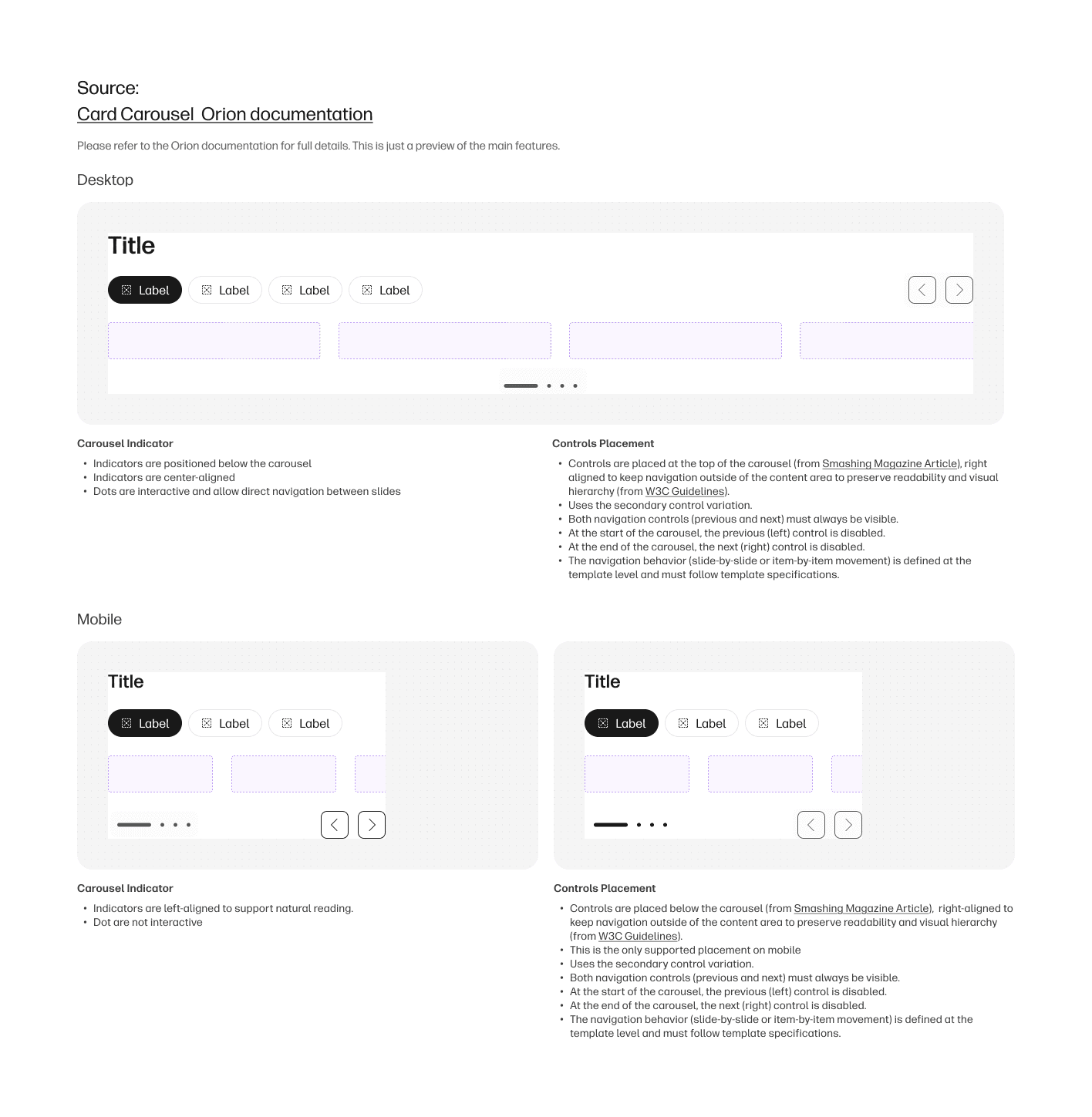
The final wireframes demonstrate a tab‑based PDP structure, clear content hierarchy, compatibility‑first accessory cards, and frictionless add interactions designed to improve confidence without disrupting momentum.
year
2026
timeframe
3 Months
tools
Figma, User Testing, Miro, AI, Figma Make, Figma Wave
category
UI/UX
01

02

03

04
05
